Why redesign your website?
An older website does not necessarily need replacing. A redesign becomes useful when content, navigation or technology prevents your business from presenting itself properly. Start with a review, then protect what already works.
The key points
- A specific problem should justify the work.
- Keep content and addresses that still serve a purpose.
- Plan checks before and after launch.
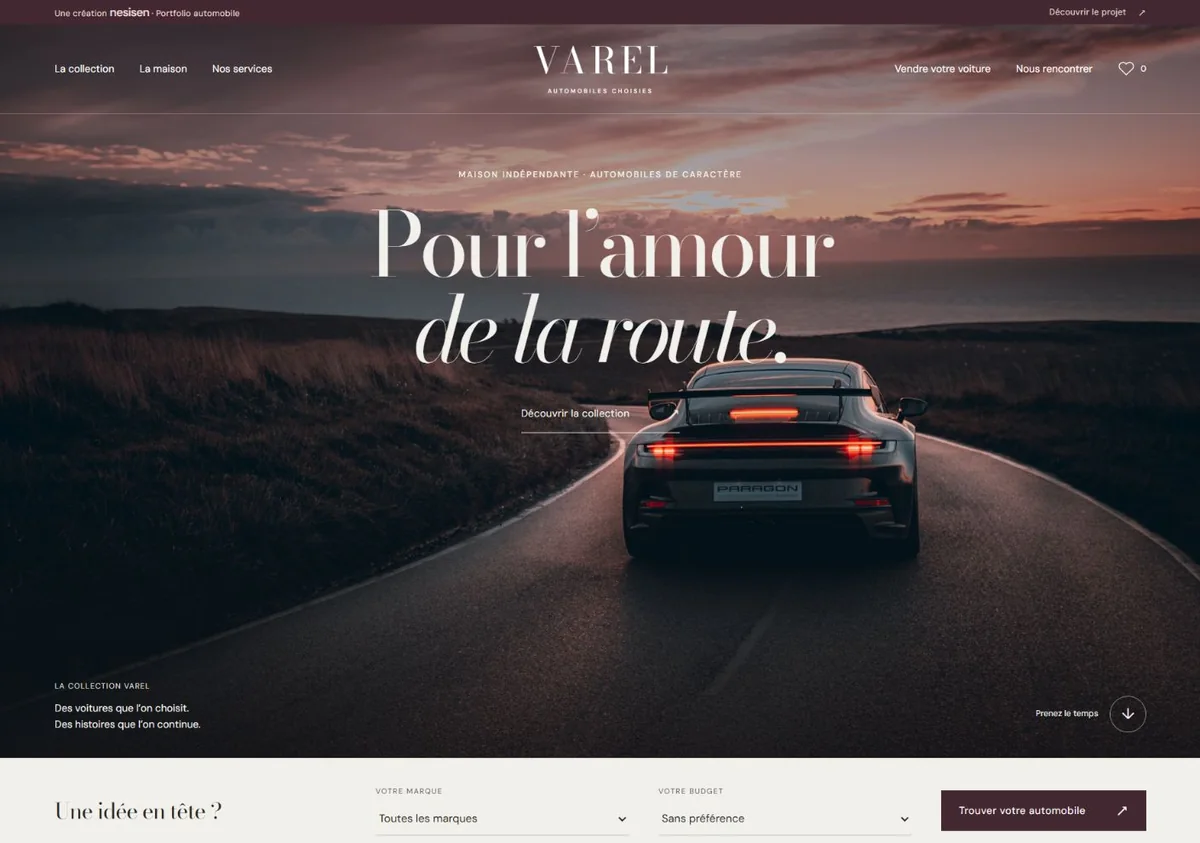
Varel shows how an automotive identity can be organised around a collection and distinct services. This is a portfolio concept, not a before-and-after comparison or evidence of sales results.
Explore the project ↗Your business has evolved
Your services, customers or level of work have changed. If your website still describes an earlier version of your business, it creates a mismatch from the first contact. A redesign can help reposition your message and clearly present what you offer today.
The journey is getting in the way
Visitors should be able to understand your business, find useful information and know how to get in touch. Overcomplicated menus, a restaurant menu that is hard to read on a phone or hidden contact details are useful starting points for a review.
Not everything needs to go
A redesign begins with an inventory: useful pages, accurate content, available photos and working tools. Relevant elements can be retained. Important existing page addresses should be considered when planning the transition to a new structure.
Define the expected outcome
Decide what should be easier after the redesign: explaining your services, receiving enquiries, presenting your work or handling bookings. These goals guide design and functionality decisions, then the checks before launch.
Choose between a fix and a redesign
If the problem is a broken form, outdated opening hours or a few oversized images, a targeted fix may be enough. A broader redesign makes sense when issues accumulate: unsuitable structure, outdated identity, poor mobile experience or a system that has become difficult to maintain. Record each problem, its effect on visitors and the pages involved. This helps establish the right level of work rather than automatically starting over.
Plan the transition around existing pages
Before launch, inventory current URLs and their planned destinations. A useful page can keep its address. If it changes, a permanent redirect to its equivalent helps visitors and search engines find the content; sending everything to the homepage is rarely a good match. Review internal links and the new sitemap. After publication, check important pages, reported errors and incoming enquiries. Google’s migration guide explains how to plan these changes.
Your checklist
- Back up the website and list necessary account access.
- Classify pages: keep, improve, merge or retire.
- Prepare content before approving page designs.
- Test forms, menus, phone links and booking paths.
- Check old URLs and new pages after launch.
Common questions
Can you keep your domain name?
Yes. Changing design or technology does not require a new domain. Check that you have the necessary account access and that renewal is being managed.
Does a redesign automatically improve search rankings?
No. It can improve content and usability, but a poorly planned migration can also cause problems. Preserving useful pages, setting redirects and monitoring the change are part of the work.
Official references
Documentation consulted for this update.